
Top 10 Design Patterns Every .NET Developer Should Know
Quick Summary:This blog aims at helping you understand top 10 design patterns every developer must be aware of to turn messy code into clean, scalable architecture. This guide explains each pattern with real-life uses and practical scenarios. Thus, these difficult ideas become simple to comprehend. From flexibility to easy maintenance, these patterns will show you how to build smarter applications with lesser effort. A quick insightful guide for developers who want to level up their .NET architecture skills.
Introduction
Whenever you are committed to any project, creating a clean, reusable and efficient code is an important aspect. Here’s where design patterns come into picture. Also if you are into .NET development services provider field, there are high chances you might be asked regarding these patterns and its need. For this having a clear idea of .NET design patterns is extremely crucial.
Design patterns generally aim to aid developers in solving common problems when developing applications and its features. Effective learning of design patterns is crucial in the field of.NET. After all, it’s already dependent on plenty of different patterns.
Through this post we aim to walk through top 10 .NET design patterns that each developer must be totally aware of. By the end of the post you will be ready to go for application of a Dot NET developer with an understanding of necessary design patterns.
What are design patterns?

Let’s try to learn about .NET design pattern with following points:
- Design pattern for .NET framework is a solution with power of reusability for general software design issues that developers face.
- It’s not a package of code that can be employed directly rather it helps you have a structured approach for solving problems effectively.
- You can assume it as a roadmap that leads you to develop a flexible and maintainable software.
- We can compare design patterns to cooking recipes. They let you have the same results every time without needing to turn the wheel in a new way.
Many don’t understand that design patterns are not only for large .NET applications they can even benefit small projects for easy refactoring.
Why is the design pattern important in .NET?
You might be wondering why these .NET design patterns are so crucial. Well, to answer this it helps a developer create clean, structured, scalable and efficient code. They are the most effective method for elegantly and methodically resolving issues. Here are some reasons behind its importance:
- Design patterns promote code readability ensuring that other developers can read them.
- Teams accelerate their development process because they no longer need to design every solution from the beginning.
- It makes solutions less complex as patterns keep it organized and simple.
- Patterns ensure codes are modular, hence refactoring is always easy to make changes in coming days.
- With these you can ensure structured and best practices while coding.
Let’s try to understand its importance through an example:
Problem: Think that you are looking to develop an e-commerce website for check out. At this interface users should be able to get discounts as per fixed criteria or won’t get any. And with passing time you might have to add a new criteria for discount. So how will you create a system in a manner that adding new criteria for discount is easy without need to change code?
Solution: The perfect way to do this can be using a strategy design pattern. It lets you create different discount criterias and switch among them whenever necessary.
10 patterns every .NET developer must know
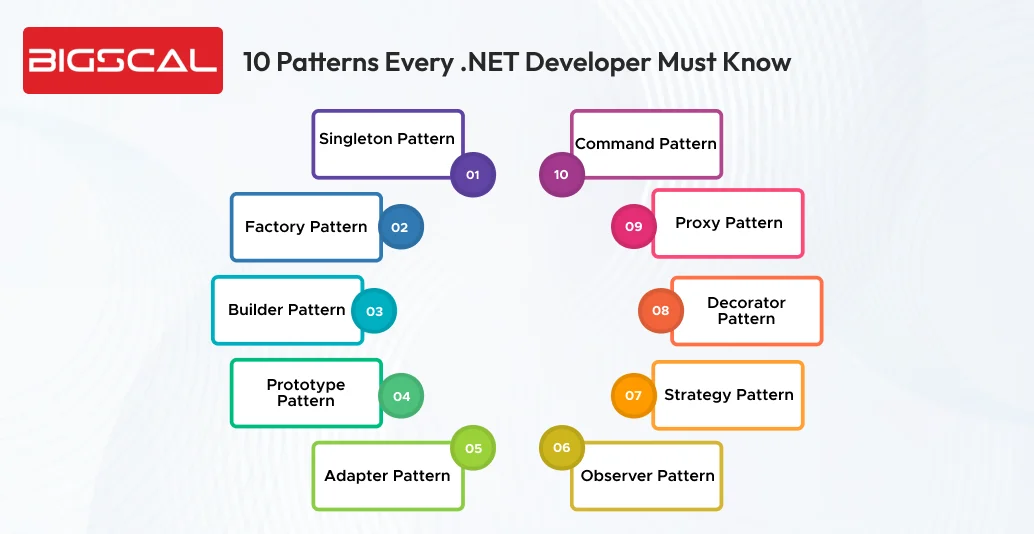
Singleton Pattern
The Singleton Pattern ensures that only one instance of a class is present for complete application with easy accessibility. When you talk about .NET application development, this pattern is employed for logging services, configuration providers, in-memory caching, and shared resources where duplication must be avoided. .NET employs Singletons through thread-safe initialization and static properties.
- A private constructor to avoid direct instantiation.
- To have only one shared object, a static read-only instance is used.
- Lazy is used for thread safe, lazy installation.
- Services are registered as AddSingleton() using a built-in DI container. Hence it lets the framework look after the lifecycle all by itself.
The main ideology behind this is when application requests for any services it must return the same instance every time.
Factory pattern
The factory pattern creates objects without exposing the new keyword or revealing the actual class being instantiated. For .NET you can use it in case you have multiple implementations of an interface. It is if you want to develop payment methods, loggers or notification services and if you want the same place to decide on which one to get back to.
It lets you couple code loosely and support clean architecture principles by centralising creation of objects. So when to use it?
- Use the factory pattern when creating an object depends on certain conditions or configurations.
- You should keep clients unaware of the implementation details.
- You want flexible and easily extendable services in developing .NET apps.
Builder pattern
In case you want to create a complex object in a step wise manner you can employ a builder pattern. It is an ideal choice when you have many optional fields and need fluent and readable construction. The .NET Builder pattern is common in case of DTOs, response models and immutable objects. It’s often used with fluent APIs and WithX() methods or nested Builder classes. It’s ideal to use this pattern when:
- Object has plenty of optional parameters.
- Construction needs strategic steps and validation.
- You have to avoid long constructor parameters lists and enhance readability.
Prototype pattern
Prototype pattern is helpful in creating a new object by simply copying it from existing one rather than building it from scratch. In .NET software development it is basically done by using ICloneable, custom clone methods, or through deep copy techniques when an object carries nested data. It’s a helpful pattern when creating objects is expensive such as loading heavy configurations and you require quick copies that can be simply modified. Here’s when you can use it:
- When object creation is demanding in terms of time and cost.
- In case you require multiple copies of an object.
- Duplication of existing objects rather than reinitializing them.
Adapter pattern
Adapter pattern functions when you have to make two incompatible classes to work all together. It does so by converting one interface into another that client demands. In .NET applications it is generally employed when integrating legacy systems, third party libraries or external services whose interfaces do not match with your application needs. The adapter then acts as a connection to let your existing code use incompatible or new components effortlessly. Use it when:
- There is a need for two classes to interact but expose different interfaces.
- Working with legacy code, NuGet packages or external APIs.
- Make an odd implementation that fits the new system without rewriting them.
Build better and faster with Bigscal
- Skilled developers on demand
- Smooth and scalable delivery
Observer pattern
Observer pattern is used when you want to create one to many relationships where making changes in one notifies all objects that are subscribed. In .NET, this pattern appears naturally during event handling, reactive programming and UI framework where updates must happen at an instant. It’s the best choice for real time updates for example dashboards, chats or notification services. It must be used when:
- Multiple components must react to a particular single state change.
- Event driven applications such as UI and messaging.
- Implementing clean publish and subscribe communication.
Strategy pattern
The strategy pattern helps you switch among different behaviours or algorithms at runtime without cluttering code with lengthy if-else blocks. In .NET applications, it’s commonly employed for selecting payment methods, sorting logic, validation approaches, caching strategies and more. Each behaviour is encapsulated in its own class ensuring easy to extend and unit test. When to use:
- When the algorithm behaviour must be chosen at runtime.
- To avoid complex conditional logic.
- To ensure classes are open for extension but closed for changes.
Decorator pattern
Decorator pattern aims at enhancing behaviour of your object at runtime without altering its original class. Rather than changing code you wrap it with additional functionality it’s like layering extra features on top of a base component. In .NET this pattern is majorly employed in middleware pipelines, logging decorators, caching wrappers and UI behaviours. You must use it when:
- Need to add extra features dynamically.
- Using reusable wrappers like logging, security or UI enhancements.
- Extend its behaviour without editing the class of code.
Proxy pattern
Proxy pattern employs a substitute object to control access to another object just as a gatekeeper. In .NET proxies are often employed for lazy loading, access control, caching and logging. The proxy will access the call before it reaches the actual object. Hence it helps you add behaviour without interfering with actual class during .NET maintenance services. When to use:
- During need of controlled or restricted access to objects.
- Caching, lazy loading, security or logging.
- Introducing a middle layer that is lightweight before calling the actual object.
Command pattern
Use the Command pattern to encapsulate a request as a standalone object. Hence you can either pass it, store it, queue or undo it. In .NET it is commonly seen in UI frameworks such as WPF/MAUI using ICommand. Here button clicks can trigger command objects rather than direct method calls. It differentiates the invoker from logic that lets action occur. You must use it when:
- You need to undo/redo or command history.
- For WPF/MAUI button actions using ICommand.
- Need to schedule, queue or log operations.
Conclusion
Finally we have gathered top 10 .NET design patterns that are to be must known for developers. Industry professionals use these patterns in production and expect candidates to know them during interviews. These design patterns don’t just help in resolving problems but they let developers build robust applications and prepare them to scale whenever necessary.
Design patterns should address existing problems rather than create unnecessary complexity. Ensure that you don’t use them just because you want to.
In this post we got to know about some common design patterns that can help you out throughout your development career. Consider these design patterns when you want to develop a new application or refactor them.
FAQ
What are the most used design patterns in .NET?
Singleton, Factory, Strategy, Observer, Decorator, and Builder are the most commonly used design patterns in .NET.
Why should .NET developers learn design patterns?
They help developers write clean, modular, and scalable code while solving common architectural challenges efficiently.
Are design patterns built into .NET?
Not directly, but many .NET frameworks—especially ASP.NET Core—use patterns such as Dependency Injection, Strategy, and Command by default.
Do design patterns improve application performance?
Indirectly, yes. They reduce code complexity, enhance structure, simplify maintenance, and improve overall workflow efficiency.
Are design patterns necessary for every .NET project?
No. Patterns should be used only when a real problem requires them. Overusing patterns can add unnecessary complexity.
Which pattern is best for selecting runtime logic in .NET?
The Strategy Pattern is ideal for switching algorithms or behavior at runtime without altering existing code.
Which .NET scenarios generally need an observer pattern?
Use it for events, real-time notifications, reactive programming, dashboards, and frequent UI updates.
What is the easiest design pattern for a beginner in .NET?
The Singleton Pattern — simple, intuitive, and widely used — is best for beginners.
Which pattern is used for undo/redo operations in .NET?
The Command Pattern, especially via ICommand in WPF/MAUI applications, is commonly used for undo/redo functionality.
Is using too many design patterns a bad practice?
Yes. Overusing patterns may create unnecessary complexity. Use them only when they provide real value.






